
Changelog
Lapis, release by release.
The four latest Lapis updates. What you can do now, what we’ve improved and what we’ve fixed.
Checked against the App Store on . Official source
More ways to create.
Local image creation, document attachments and a more responsive voice experience.
New
Images created on your device
Bonsai Image 4B generates square, portrait or landscape images. Creations are kept in a gallery and can be viewed in the refined image viewer.
PDFs and documents in your conversation
Attach PDFs and text documents to a chat to summarize them and explore their contents with the model.
Lapis Live, with local speech
The English voice experience incorporates Liquid technology. A more responsive orb accompanies the conversation.
More models to choose from
Additional Liquid AI and Mistral models join the catalog. Available options are presented with your device in mind.
Improved
Longer conversations
Improved context and memory handling during extended conversations.
A more considered experience
A smoother welcome, simplified settings and refined interface details on iPhone, iPad and in light and dark modes.
Clearer, more reliable downloads
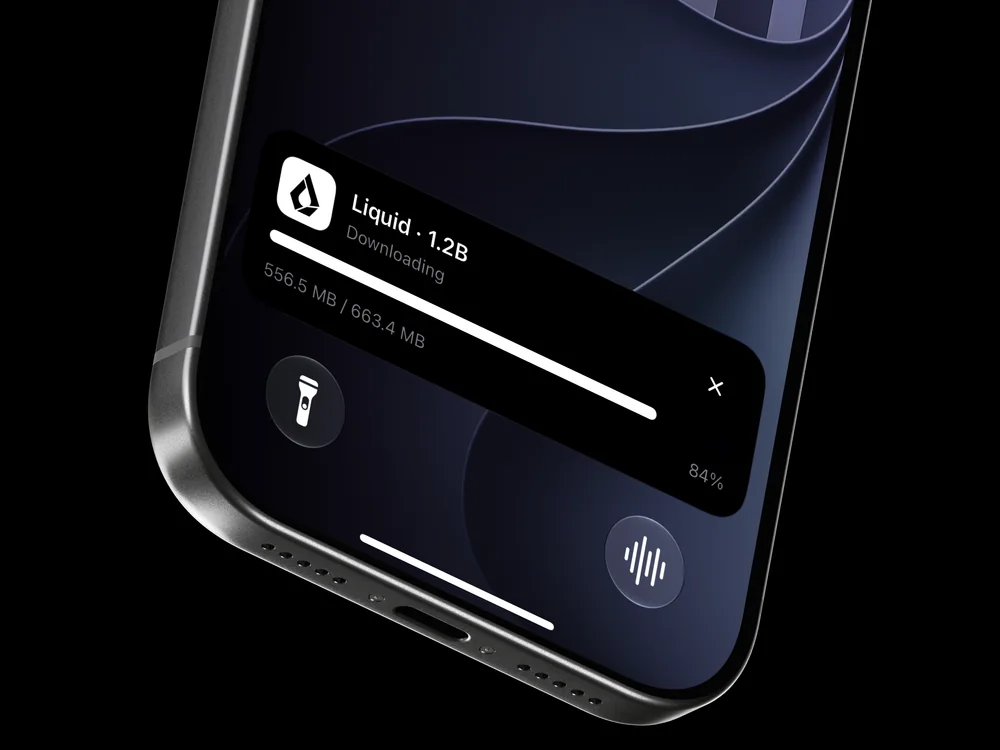
Improved reliability when downloading models and clearer progress information in Live Activities.
Fixed
- Fixes for attachments and conversation navigation.
Some features require a compatible device, a downloaded model or Lapis PRO.
More room for conversation.
A compact composer and a clearer view of available context.
New
A composer that takes only the space it needs
The message bar stays compact when idle and expands when you start writing.
Context at a glance
An indicator shows estimated context-window usage and the remaining space for the conversation.
Attachments in one menu
The refined attachment menu brings together camera, photos and image files.
Improved
Models suited to your device
Improved memory handling and model limits adapted to the resources of your device.
Simpler integrations
Siri, Shortcuts and widget settings are simplified, alongside stability and interface refinements throughout the app.
Fixed
- App-switcher previews are no longer hidden for unprotected chats.
Protected chats. Clearer settings.
Per-conversation protection and simpler everyday controls.
New
Per-conversation protection
Lock individual chats with Face ID, Touch ID or your device passcode.
Advanced options in their own space
A dedicated section brings together advanced options, keeping everyday settings simpler.
Improved
Readable settings in either theme
Simplified controls and more visible switches in both light and dark modes.
Less clutter in the chat
Visible metrics are simpler. Detailed performance remains available with a tap, alongside a clearer interface.
A more considered interface.
Refined navigation, more personal greetings and a smoother visual experience.
New
Native Liquid Glass
Controls adapted to Liquid Glass on iOS 26 and later, while retaining support for older iOS versions.
Improved
More room to write
A cleaner chat, refined navigation and a roomier message composer.
A more personal welcome
More personal greetings, smoother animations and a refreshed launch experience.
Clearer conversations
Clearer voice controls and improvements to readability and accessibility.