Lapis for iPhone, iPad and Mac
AI that goes with you.
Even when you’re offline.Your AI.
Offline.
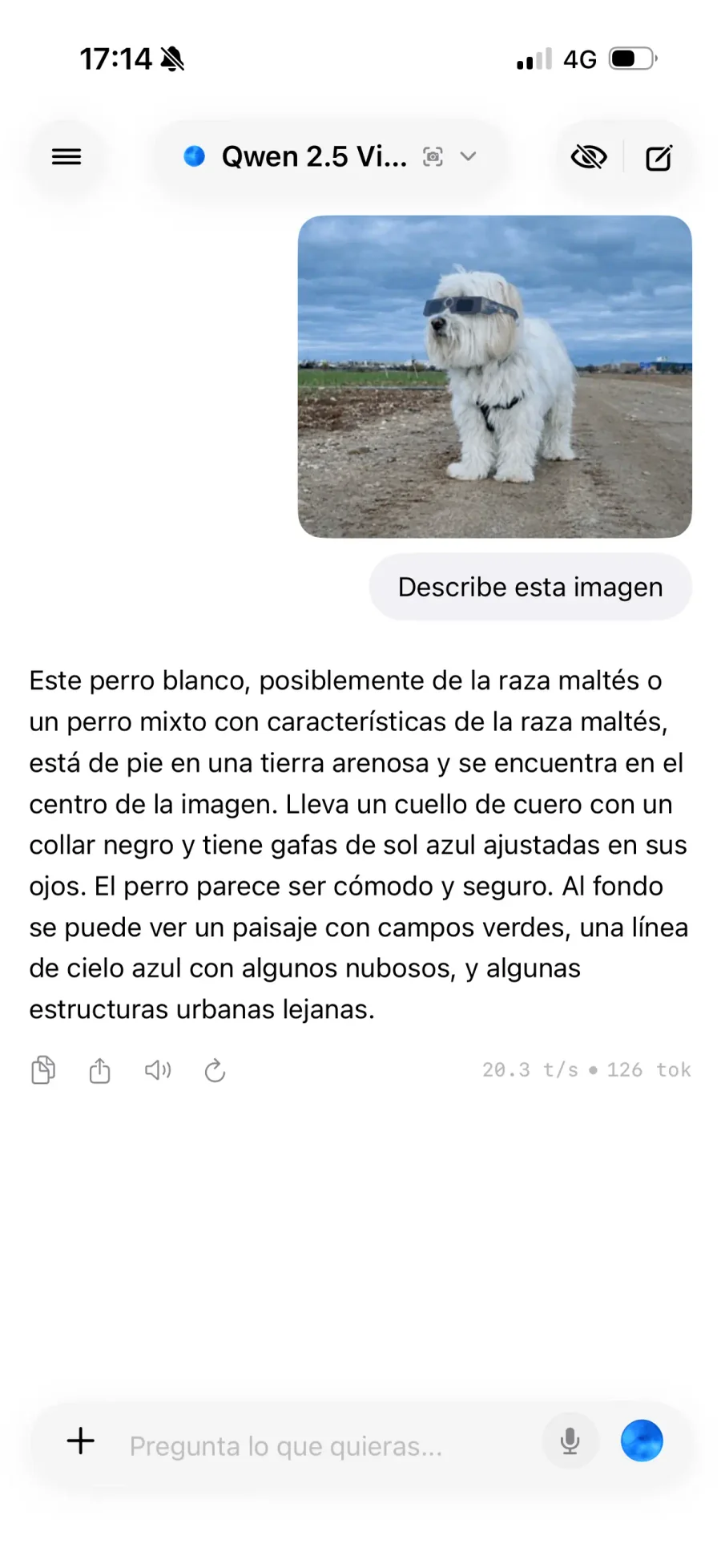
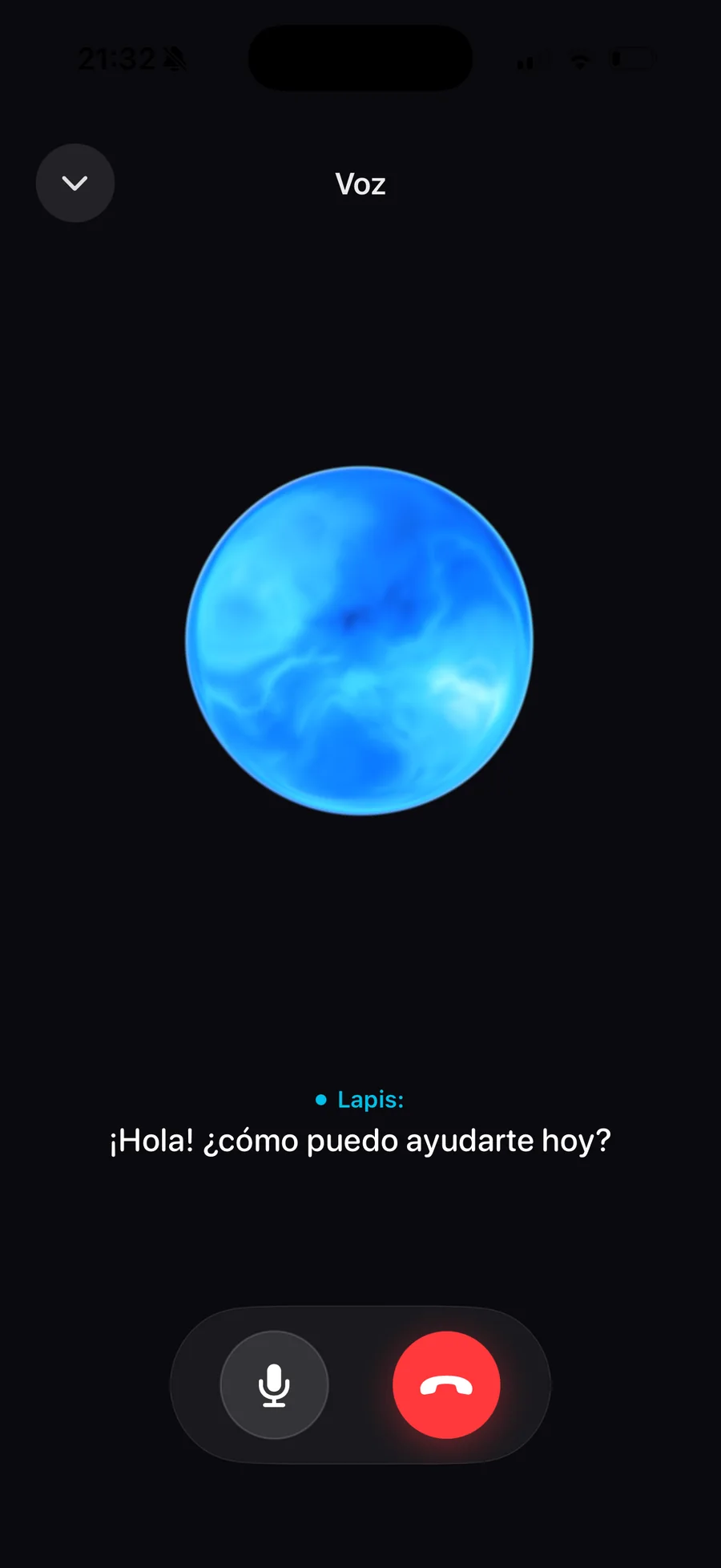
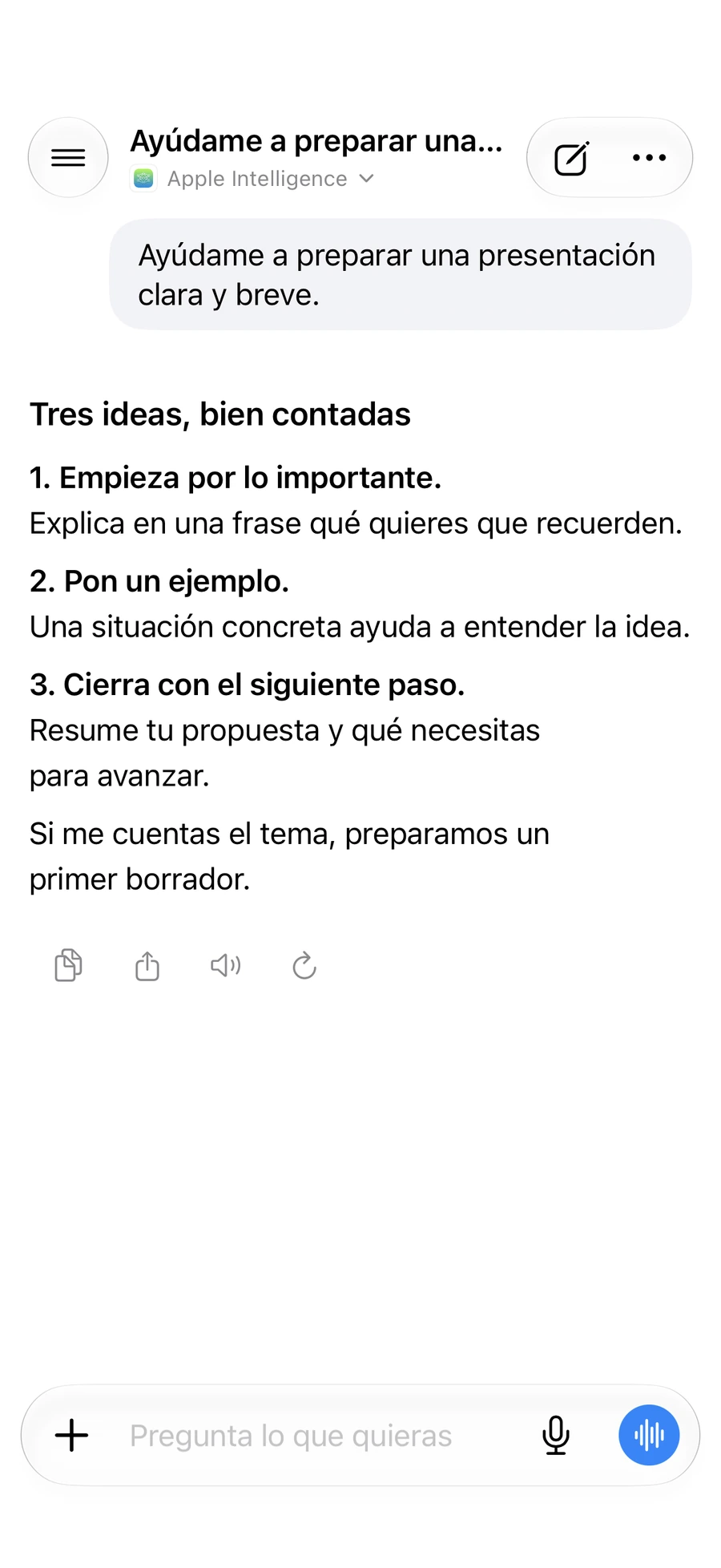
Write it. Say it.
Ask away.
A second pair of eyes helps.
Check an email before sending it, ask for an explanation or work on a draft. Keep the conversation going without creating an account.
Unlimited local chat on the free plan.
Models
The right model. For the task at hand.
Start with a lightweight model for everyday use. Switch when you need to work with images, code or a longer conversation.
Apple Intelligence
For writing, summaries and conversation. Use the model provided by your system when available, without downloading it through Lapis.
Open models with MLX
Download a compatible model and use it offline. Compare size and capabilities before choosing. PRO lets you import compatible models from Hugging Face.
Uncensored models
With PRO, import compatible uncensored variants from Hugging Face. Choose your model and its instructions. Capabilities and restrictions depend on the model and available memory.
 Qwen
Qwen Llama
Llama DeepSeek
 Hugging Face
Availability depends on your device, system and memory. Apple Intelligence is not available on every device.
Lapis for Mac
More room.
More possibilities.
Your conversations and projects, in a native Mac app. More memory to work with more powerful models.
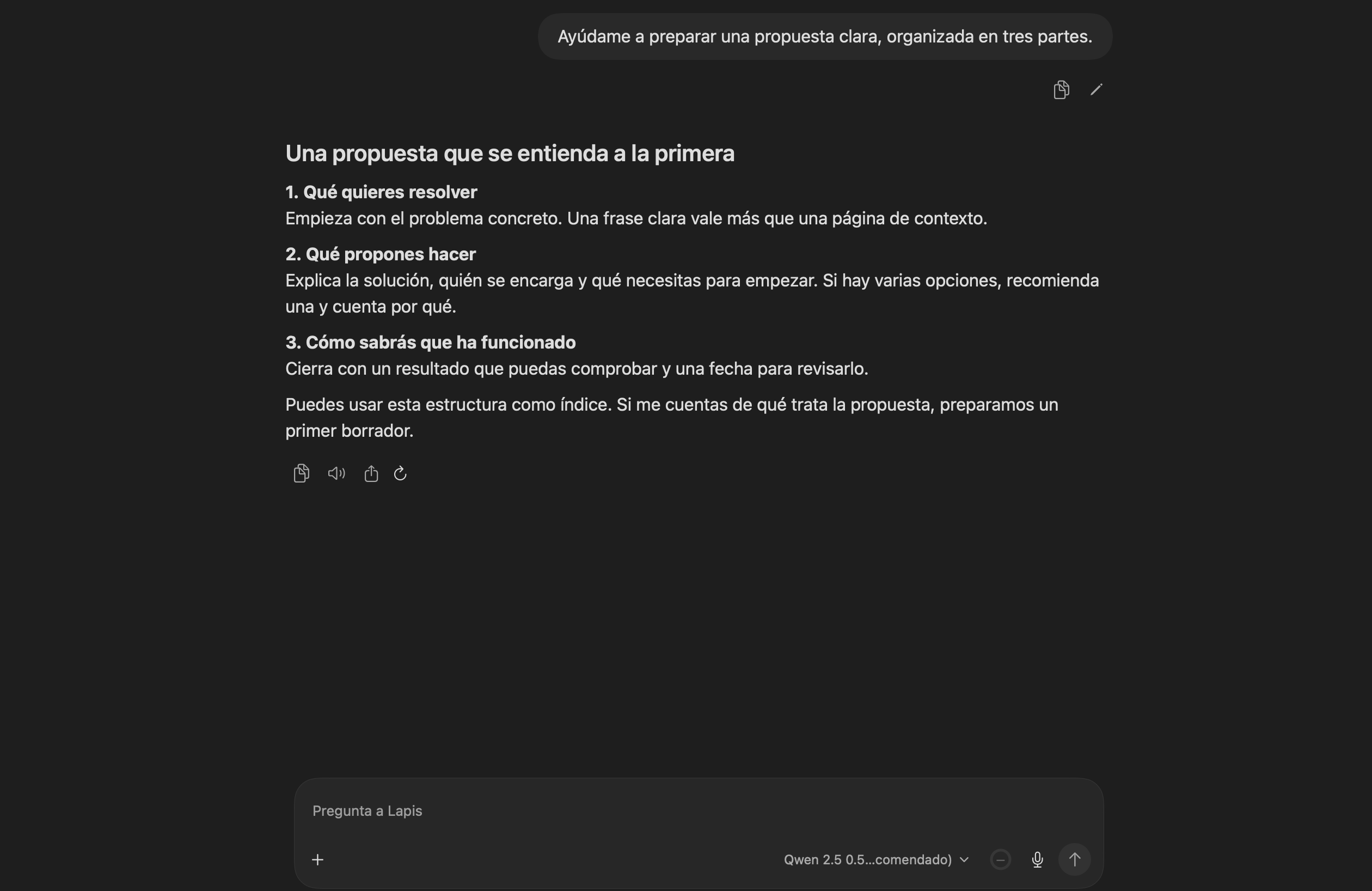
You can tell when an app is made with care.
A picture can be a question, too.
Understand a photo, extract text from a document or ask about what you see. With PRO and a compatible vision model.
Your work isn’t locked in.
Take the conversation with you as PDF, Markdown or text. Share text from another app to start a chat.
A place for each project.
With PRO, group chats into projects and create agents with their own tone and instructions.
A shortcut for everyday tasks.
Summarise, translate or ask with Siri and Shortcuts. No need to open the app when the system model is available; other workflows open Lapis.
Your AI, wherever you are.
Your Mac stays home. Its power goes with you.
Turn your Mac mini or Mac Studio into a personal AI server. Set up remote access with Tailscale and take your models wherever you go.
Take it beyond your front door.
Your Mac mini or Mac Studio stays home. Your models don’t have to. With Tailscale, connect your devices through a private network and reach your server wherever you are.
Discover TailscaleRequires Tailscale and server access to be configured. Your Mac must stay powered on and connected; your Lapis key is still required.
Privacy
What you say here, stays here.
Models run on your device or on your own Mac, even when you connect remotely. Your conversations aren’t sent to OpenAI, Anthropic or a cloud AI service.
- No account needed to chat
- Local inference with MLX
- Biometric chat protection
Lock conversations with Face ID or Touch ID, depending on your device. Usage statistics store counts, not copies of your messages.
Read the privacy policyPlans
Start free. Upgrade when you need to.
Lapis Free
For chatting and trying the included models.
Free
Get Lapis- Unlimited local chat
- A selection of MLX models
- Apple Intelligence, when compatible
- Up to 5 saved conversations
- Up to 4K context
Lapis PRO
Voice, vision and more ways to work.
Monthly or yearly
View PRO in the app- All compatible models and Hugging Face imports
- No plan limits on conversations and downloads
- Lapis Live and vision models
- Projects, agents and custom instructions
- Advanced controls and more personalisation
Check the price in your currency in the app before buying. Model capacity and device resources still set the limits.
FAQ
Frequently asked questions.
A few things to know before you start.
Does it work offline?
Yes: generation with downloaded models runs locally. Downloads, purchases and some system voice resources may need a connection. Apple Intelligence needs to be enabled and its model ready on your device.
Is my device supported?
Lapis for iPhone and iPad is on the App Store; check the listing for current requirements. Usable models depend on device memory and capabilities. Apple Intelligence requires compatible hardware and the system reporting that it is available.
What does Lapis PRO include?
PRO unlocks more models, compatible Hugging Face imports, voice, vision, projects, agents and advanced controls. Free keeps unlimited local chat, with selected models and limits on saved conversations and context.
What does the Mac version require?
A Mac with Apple Silicon and macOS 15 or later. Usable models depend on available memory and system limits. Apple Intelligence requires macOS 26 or later and an available system model.
Do I need an account or an API key?
Not to chat in Lapis. Models run on your device. The optional Mac local server has its own authentication for the applications you connect to it.
Try Lapis.
No account needed.
Download it free on your iPhone or iPad and start a conversation.
Get Lapis